Turn observations into insights
Explain a research finding and connect it to evidence and future work.
An insight states what the evidence suggests about your visitors or their experience. Use Research → Insights in the selected project to capture that interpretation.
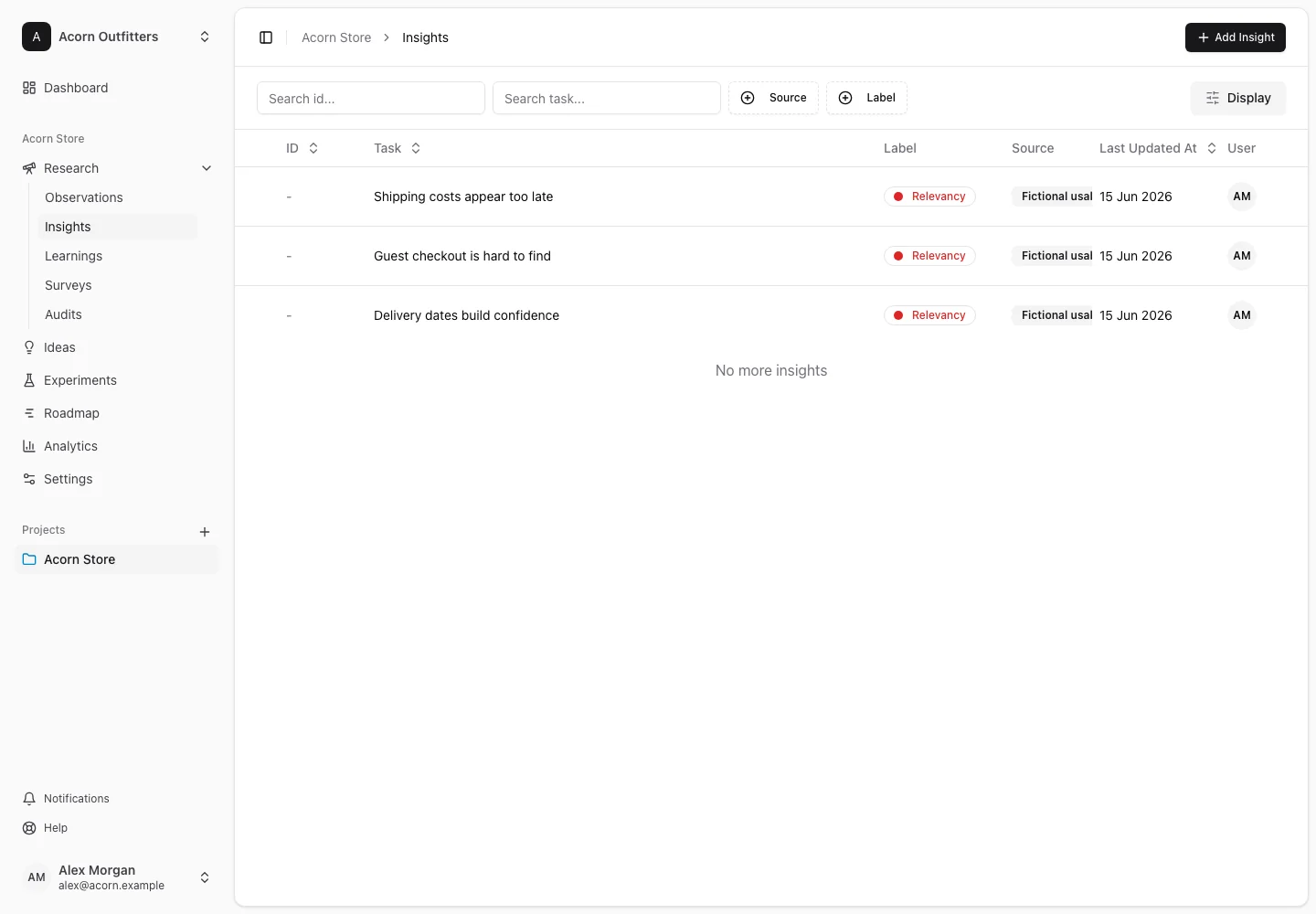
Create an insight
- Choose the create-insight action and give the insight a clear title.
- Explain the finding, who it affects, and the evidence supporting it in the description.
- Link the relevant pages and supporting observations.
- Choose an insight label when your project uses labels, then save.
The optional Legacy source field retains a source label. For a traceable research chain, use supporting observations to carry the actual evidence and its origin.
Connect the finding
On the detail page, use Supporting Observations to add or remove evidence links. Use Connected Ideas and Connected Experiments to link work influenced by the insight. The Learnings section connects later conclusions back to the research.
Attach a supporting file in Attachments if useful. Keep the description understandable without that file, so teammates can assess the claim directly. Comments and Activity provide discussion and history when the team's plan supports comments.
Revisit the interpretation
An insight can change as new evidence arrives. Update the description to explain what is now understood, preserve the links that support it, and connect any follow-up learning. Removing a relationship does not mean the evidence itself has been disproven.
If a related item is unavailable in the link picker, confirm it belongs to the same project. Cross-project relation validation prevents accidentally linking unrelated project data.
See observations, ideas, and collaboration.