Capture ideas and connect the evidence
Build an idea backlog with research, pages, metrics, and experiment links.
An idea proposes a change your team might make. Open Ideas in the selected project. Owners, admins, and users can create and maintain ideas; the Free plan has a record allowance.
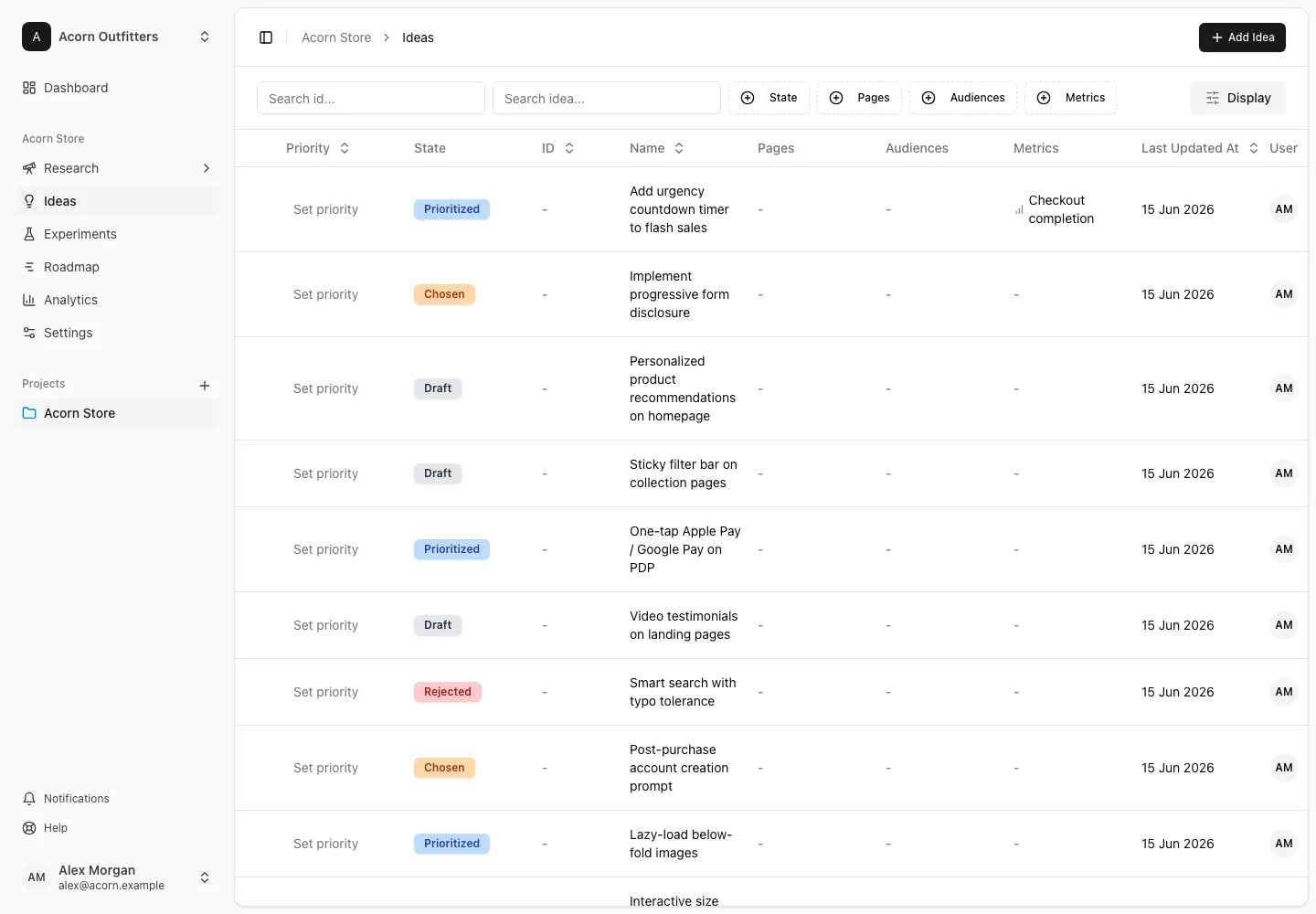
Create an idea
- Open the create-idea action and name the proposed change.
- Describe what you want to change and why it may help.
- Choose an idea state and link relevant pages and metrics.
- Choose Create idea.
Open the saved idea to update its detail fields, attach supporting material, and connect the research behind it. An idea with a linked insight is easier to assess than a proposal with no visible evidence.
Prepare it for prioritization
Make the intended benefit and effort understandable before scoring it. Use the project's priority model consistently across ideas. Use states, tags, and list filters to keep the backlog usable rather than encoding the workflow only in the title.
Connect it to an experiment
Link the idea from an experiment's Connected Ideas section, or use the connection actions on the idea detail page. An experiment can preserve the idea's rationale while adding a specific hypothesis, variations, and planned measurements.
Changing an idea's state is separate from launching an experiment. ConversionLab records the work and its relationships; the testing platform runs the website test.
Use the list's available selection actions for bulk updates. Before deleting an idea, review its connected research and experiments and the deletion confirmation. See planning an experiment for the next step.