Plan and document an experiment
Record a hypothesis, dates, metrics, research, and the next decision.
An experiment brings the proposed change and its measurement plan together. Owners, admins, and users can create and edit experiments in a project, subject to the team's plan and record limits.
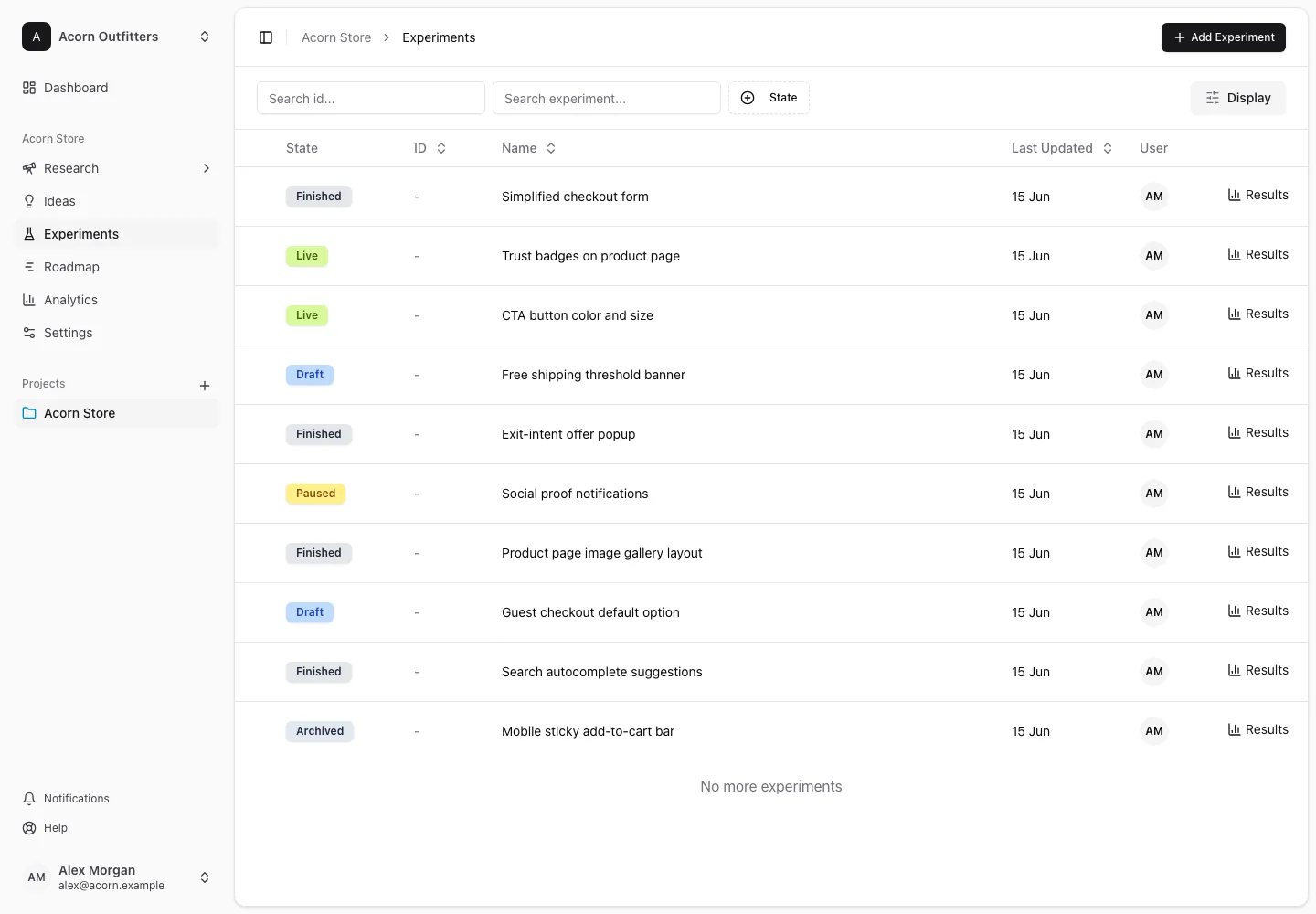
Create the plan
- Open Experiments and choose the create-experiment action.
- Enter a name and description, select a state, and link the pages involved.
- Save, then open the detail page.
- Write the Hypothesis: the proposed change, the audience or situation, and the effect you expect.
- Set the experiment's dates and measurement fields, including its primary metric.
- Add variations and traffic allocation.
- Link Connected Research and Connected Ideas, then attach relevant design or implementation material.
The description explains the test. The hypothesis explains what it is intended to establish. Keeping the original intent clear helps interpret a result later.
Coordinate review
Use Comments for discussion when the plan includes collaboration. The Client approval section shows the latest recorded approval and offers Record approval to team members, including viewers. Approval records identify the user and time; they document a review event rather than launching the experiment.
Run and conclude the test
Run the actual website test through your testing platform. Map the experiment and sync its data to make supported reporting available.
Update the result status, result, decision, and stop reason when relevant. Available decisions include Implement, Rollout, Retest, Iterate, and Reject. These fields let you distinguish the observed outcome from what your team chooses to do next.
Use Results to review analysis, and capture a learning with the conditions under which the finding applies.