Capture and review observations
Record source evidence and review suggested observations before using them.
An observation records something seen or reported in a source. Open Research → Observations in the intended project. Owners, admins, and users can create and edit observations; viewers can inspect the work.
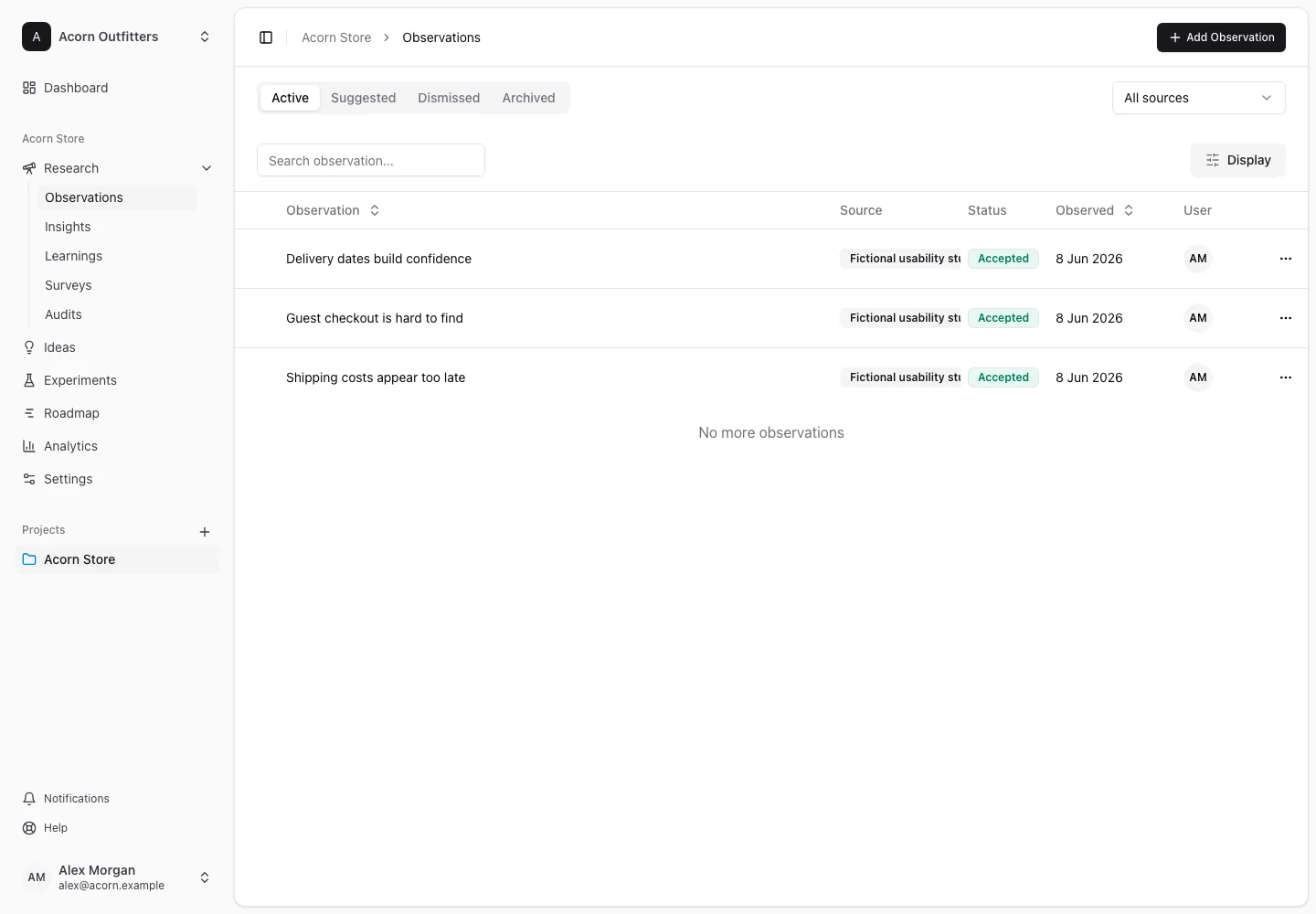
Create an observation
- Open the create-observation action and write a concise name describing what happened.
- Add the source-bound detail in the description.
- Set the source, source label, evidence kind, confidence, and observed date when known.
- Link existing insights if they already explain this evidence, then choose Create observation.
- Open the saved observation to link relevant pages or supporting insights and review its evidence.
Source labels make records easier to recognize: “Pricing interviews, June” is more useful than “Research.” An observation can carry structured evidence from an integration or screen annotation as well as a written description.
Review suggestions
The list separates Active, Suggested, Dismissed, and Archived observations. Integration suggestions appear under Suggested until reviewed.
Open a suggestion and inspect the underlying evidence, source, date, and confidence. Accept it when it is useful evidence for your team. Dismiss it when it should not be used. Accepted observations appear in Active. Source filters and bulk actions help work through several suggestions, but review the selected evidence before accepting it.
When AI is available, the draft-insight action can propose an interpretation from eligible observations. Review the wording and supporting links before saving the resulting insight. You can always create an insight manually.
Archive, restore, and remove
Archive observations you want to retain outside active work. Restore eligible observations from Dismissed or Archived when you need them again. Dismissed and archived observations cannot be linked or used to draft an insight until restored.
Permanent deletion removes the record and its suppression information. For Clarity suggestions, that means the same signal may be generated again in a future sync. Use dismissal when your goal is to stop reviewing a rejected signal, rather than deleting its suppression history.