Connect your first research-to-experiment workflow
Follow one small example from evidence to a documented experiment.
Use this walkthrough after Team Setup. You need an owner, admin, or user role to create the work items. Choose the intended team and project before starting.
1. Record what you observed
Open Research → Observations and create an observation such as “Visitors ask whether delivery is included.” Add the source label, what happened, and when it was observed. Keep the statement close to the evidence rather than presenting a proposed solution as a fact.
2. Explain why it matters
Open Research → Insights and create “Unclear delivery costs make the total price hard to assess.” Link the supporting observation and the relevant page. The insight gives your interpretation a traceable source.
3. Propose a change
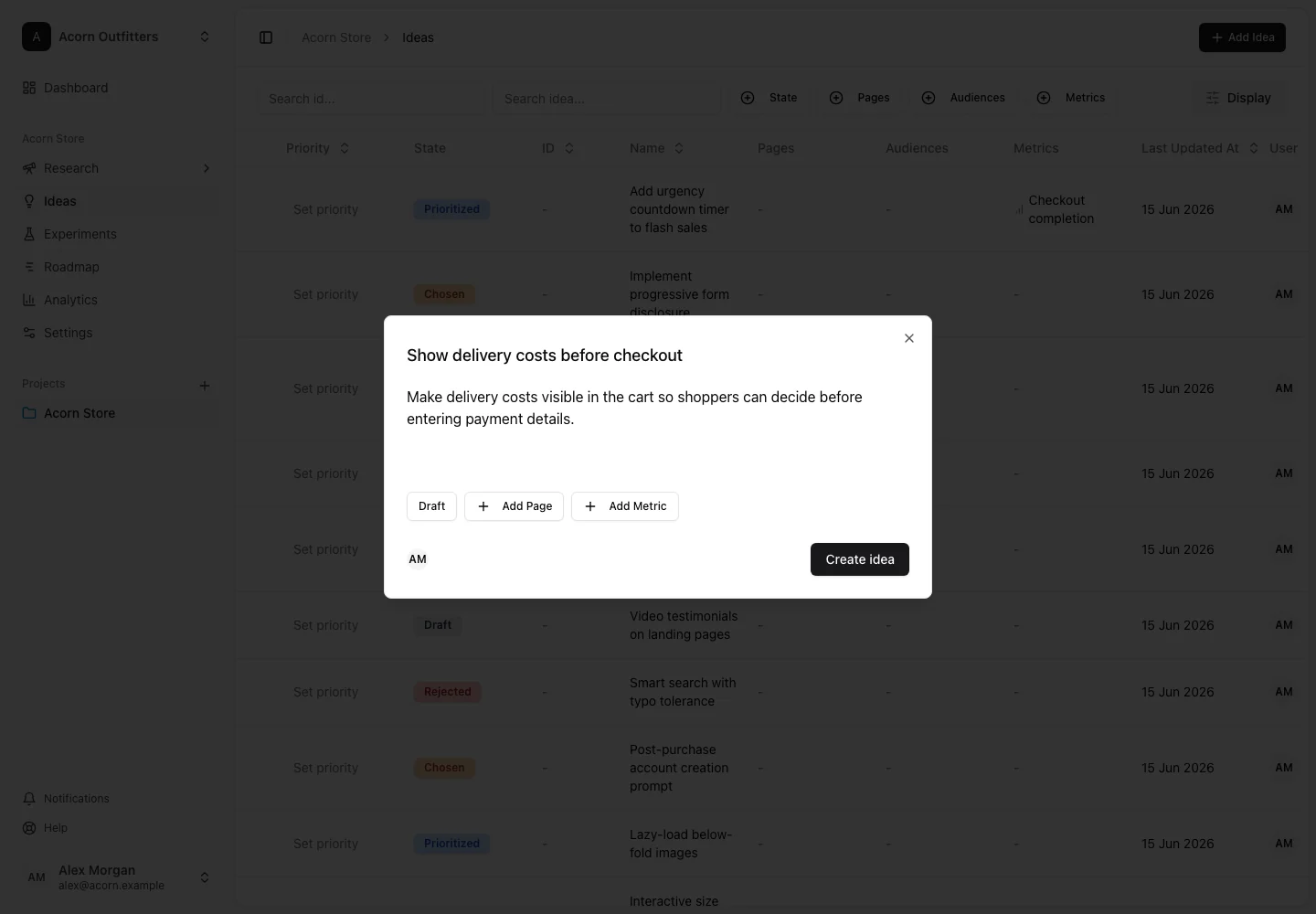
Open Ideas, create “Show delivery information next to the price,” and add a description. On the idea detail page, link the insight and the relevant pages and metrics. Score it with a priority model if your project uses one.
4. Plan the test
Open Experiments, create an experiment, and connect the idea and research. Write a hypothesis that names the proposed change and intended effect. Add the control and test variations, choose the primary metric, and set the planned dates.
Recording an experiment in ConversionLab does not by itself launch a test on your website. Use your testing platform to run the experiment, then map and sync its data.
5. Bring the outcome back into your knowledge
Review experiment results after the required data and analysis conditions are satisfied. Record the result, next decision, and a learning linked to the research. The next idea can then build on a documented outcome.
You now have a connected chain of source evidence, interpretation, proposed action, and experimental follow-through. Use the links between items to explain a decision to another teammate.